The dealOS MCP server
Use dealOS from Claude, ChatGPT or any AI, through our MCP server
Pick the one that matches what you want. You can use both at once, and neither gives anyone else access to your raise.
Use dealOS in your AI assistant
dealOS runs an MCP server. Connect it to Claude, ChatGPT, Perplexity or any AI that supports MCP. Then, in that AI, ask where your deal has got to, who is on your list, who to approach next, or what a company on Companies House looks like — and it answers from your dealOS data.
Fits you if: you already live in Claude, ChatGPT, Claude Code or another AI assistant and want dealOS to be one of the things it knows, through MCP.
You need: a dealOS account on a paid plan, and an AI assistant that supports custom connectors (MCP).
Your data: Your records remain stored in dealOS; answers are shared with your chosen AI provider. Only you can create the connection, and you can remove it any time.
Use your own AI provider
Deal Pilot AI, the teaser writer, investor matching and deck analysis all run on an AI model. By default that is ours. Paste your own OpenAI, Anthropic, Google or other provider key and dealOS uses your account and model instead, everywhere in the product.
Fits you if: your firm has its own AI contract, data terms or spend you want everything routed through.
You need: a dealOS account on a paid plan, and an API key from your AI provider.
Your data: dealOS sends your prompts to the provider you chose instead of ours. The key is stored encrypted and never shown again; remove it any time to go back to the default.
Connect an AI to the dealOS MCP server
How you connect depends on which AI you use. Every route ends in the same place: your AI can use dealOS for your account only.
Your records remain stored in dealOS; answers are shared with your chosen AI provider.
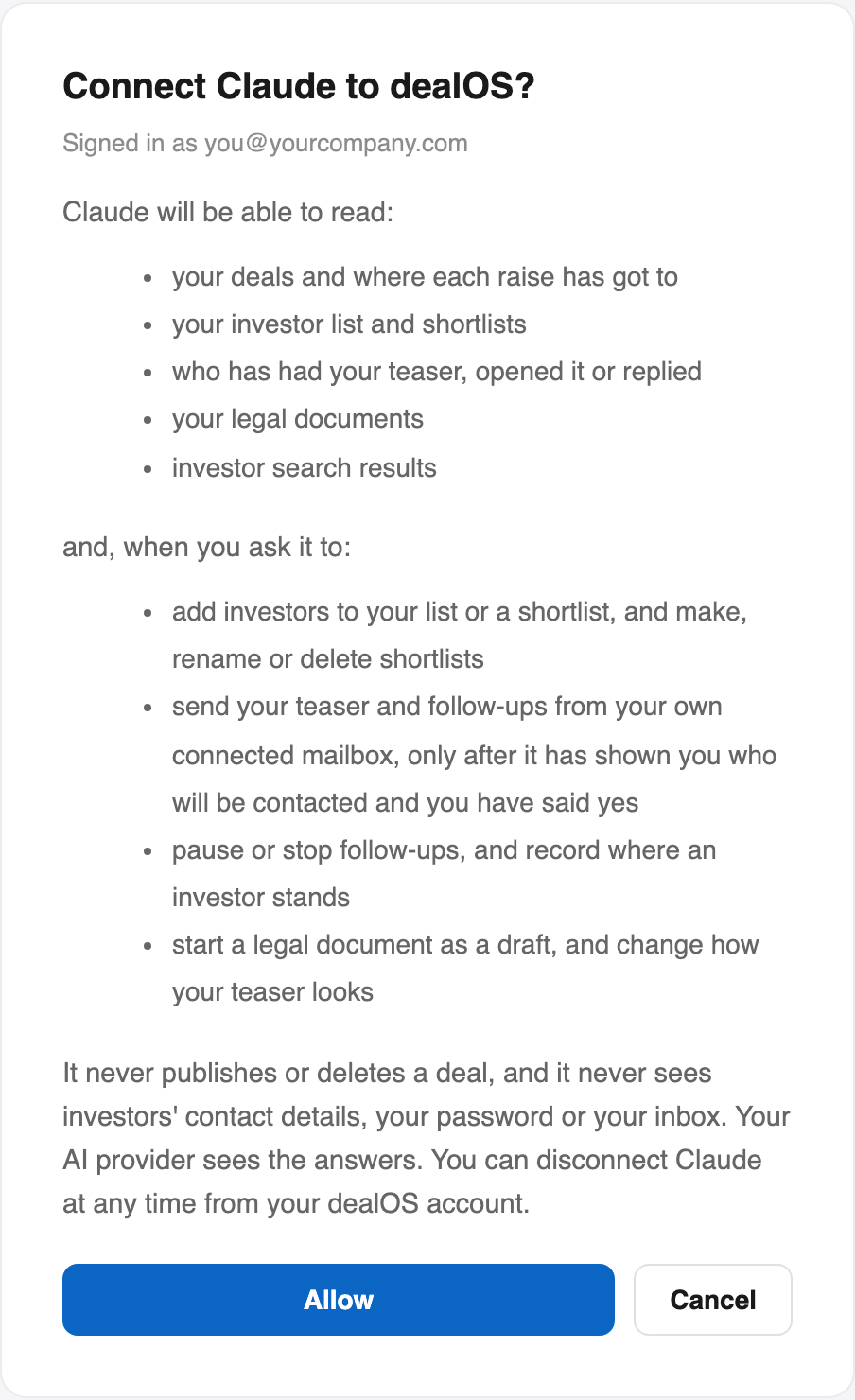
It can read: your deals, the investors on them and your shortlists, how your outreach is going, your legal documents, and public company records from Companies House. Investor records come without contact names, emails or phone numbers.
It can act, only after you say yes in the chat: add or remove investors, change your shortlists, start, update or delete your documents, change your deal, and send your teaser or follow-ups from your own inbox. Before anything is sent, it tells you how many investors will be contacted.
It never sees another founder's deals, your password or your email inbox, and it never signs anything for you.
In Claude, open Settings, then Connectors, and press Add custom connector. Name it dealOS, paste this address and press Continue:
https://dealos.info/mcp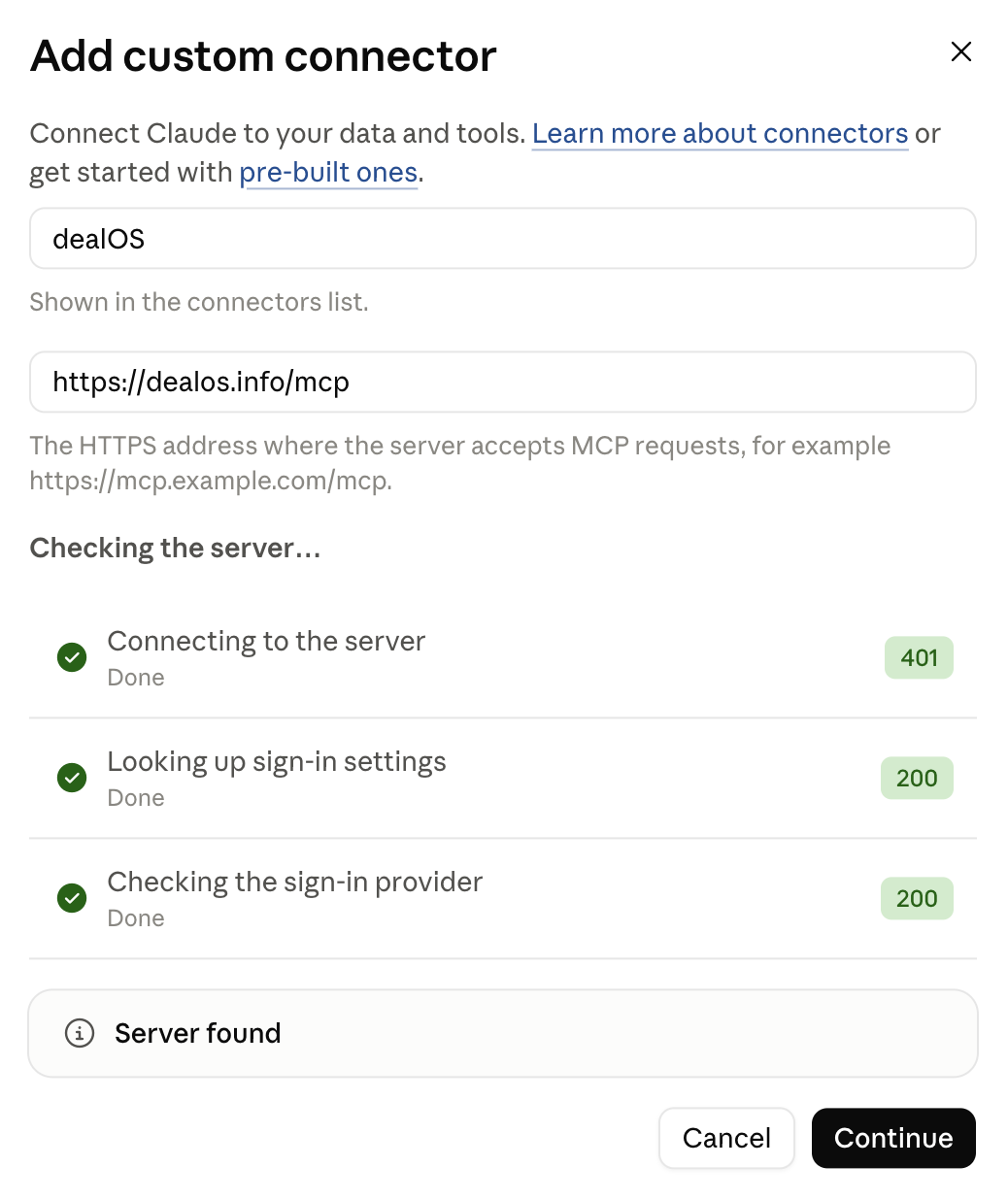
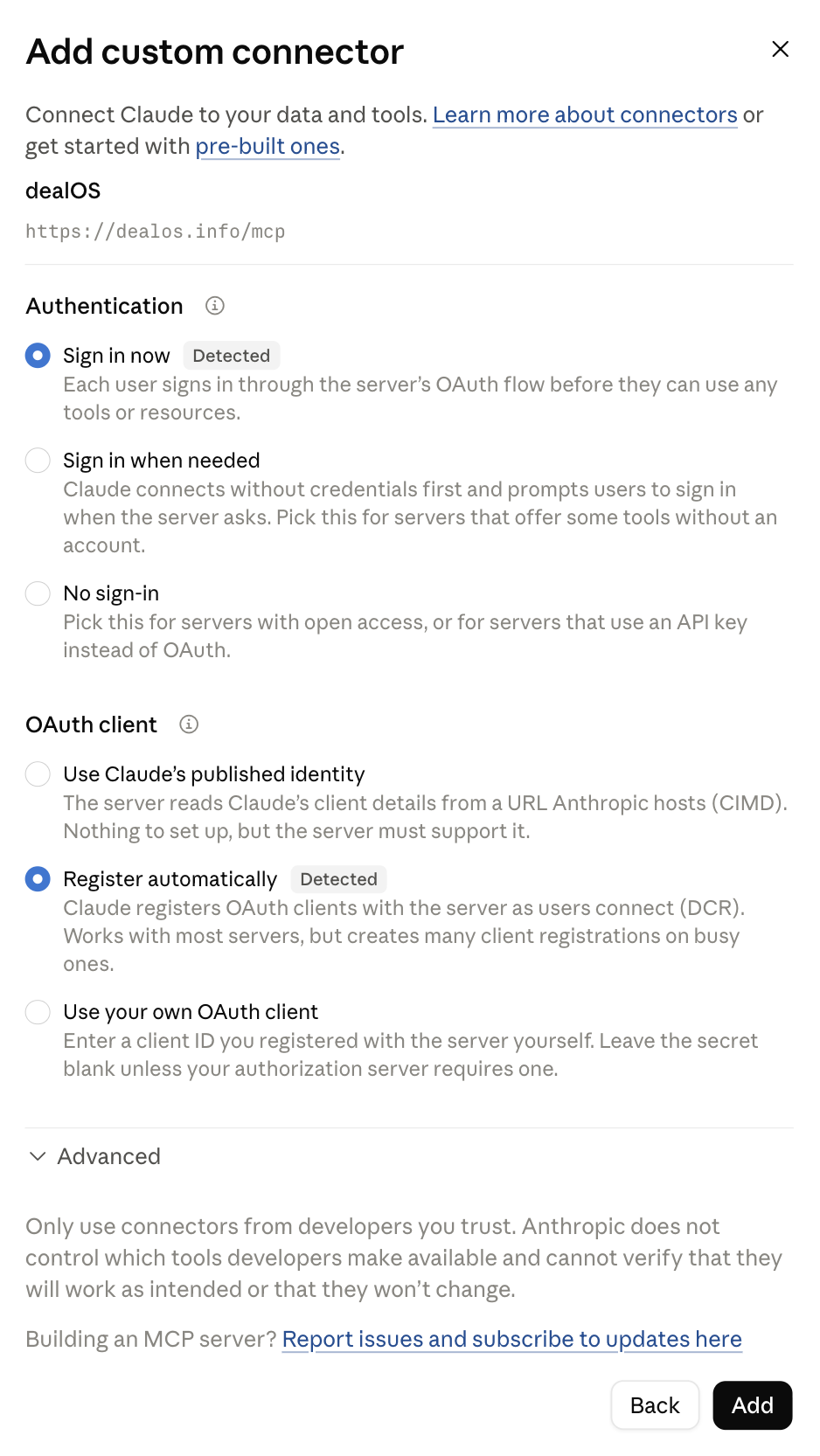
Claude checks the address and marks both settings Detected. Leave them as they are and press Add.
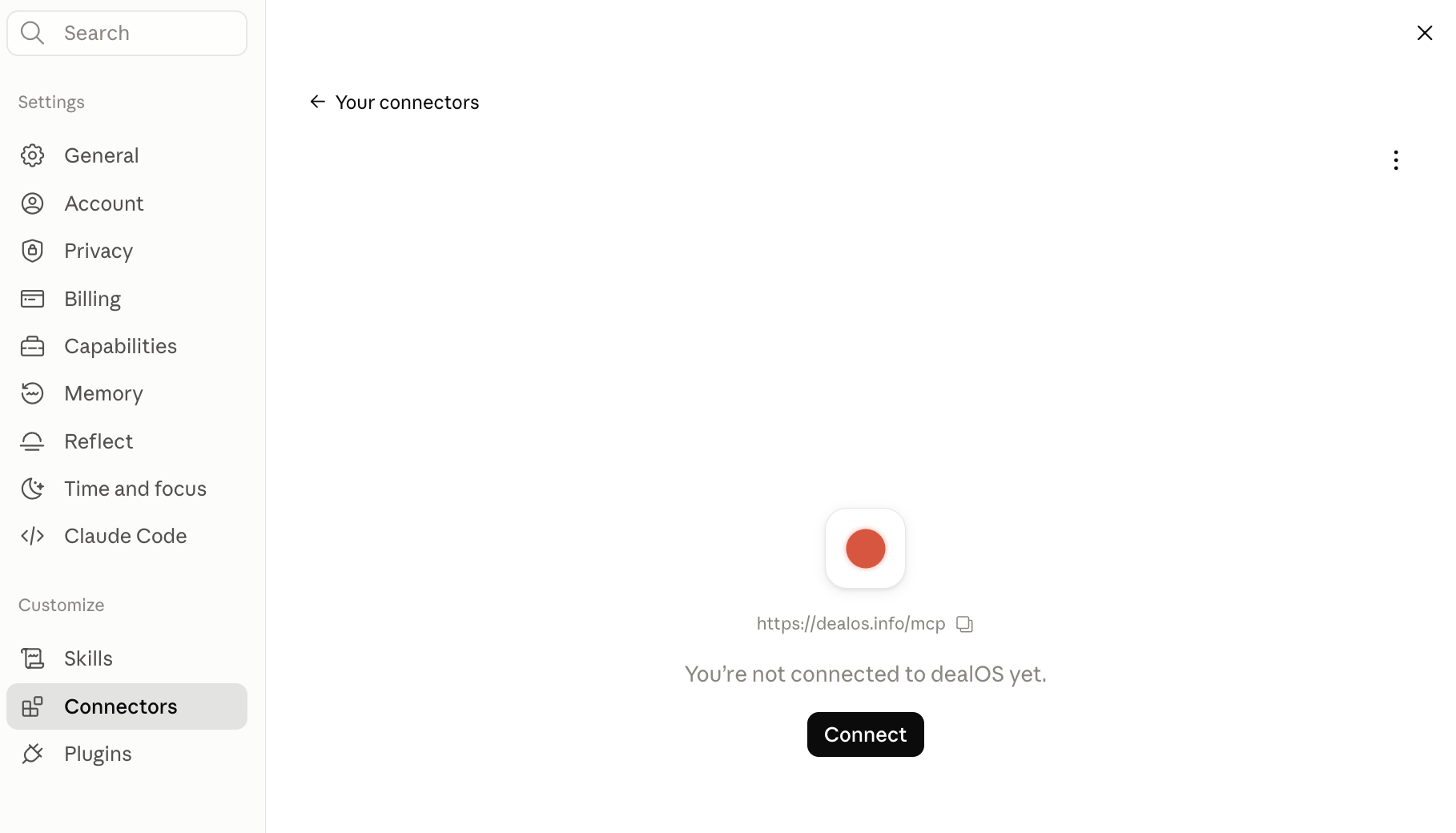
dealOS now shows in your connectors. Press Connect.
dealOS opens. Sign in if it asks you to, check what Claude will be able to do, and press Allow. No token to copy: the approval is the connection.
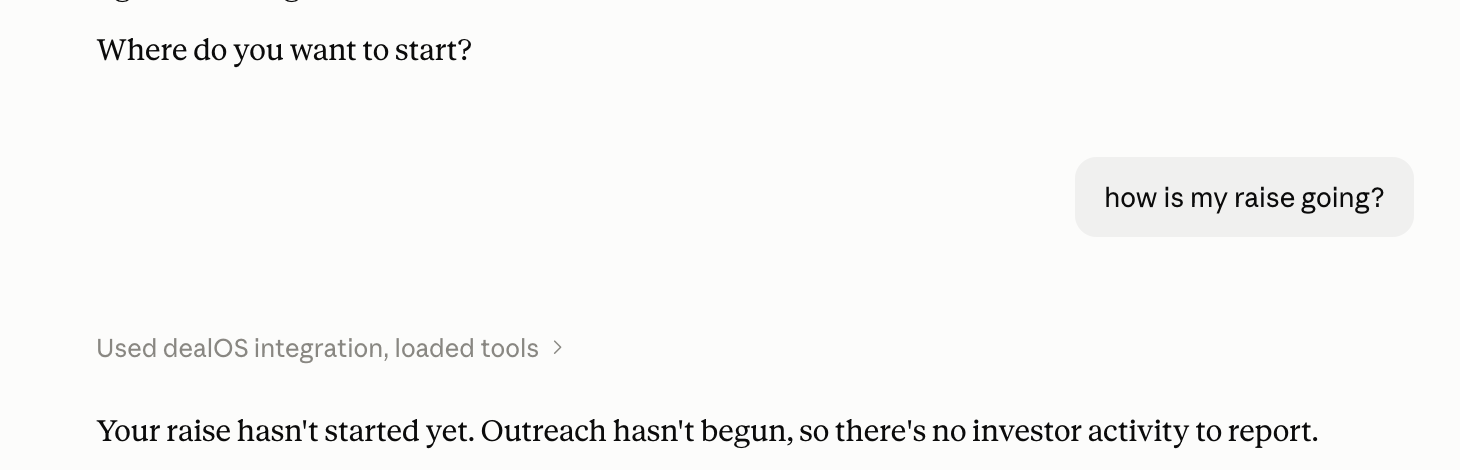
Start a chat and ask Claude about your raise, for example “how is my raise going?”
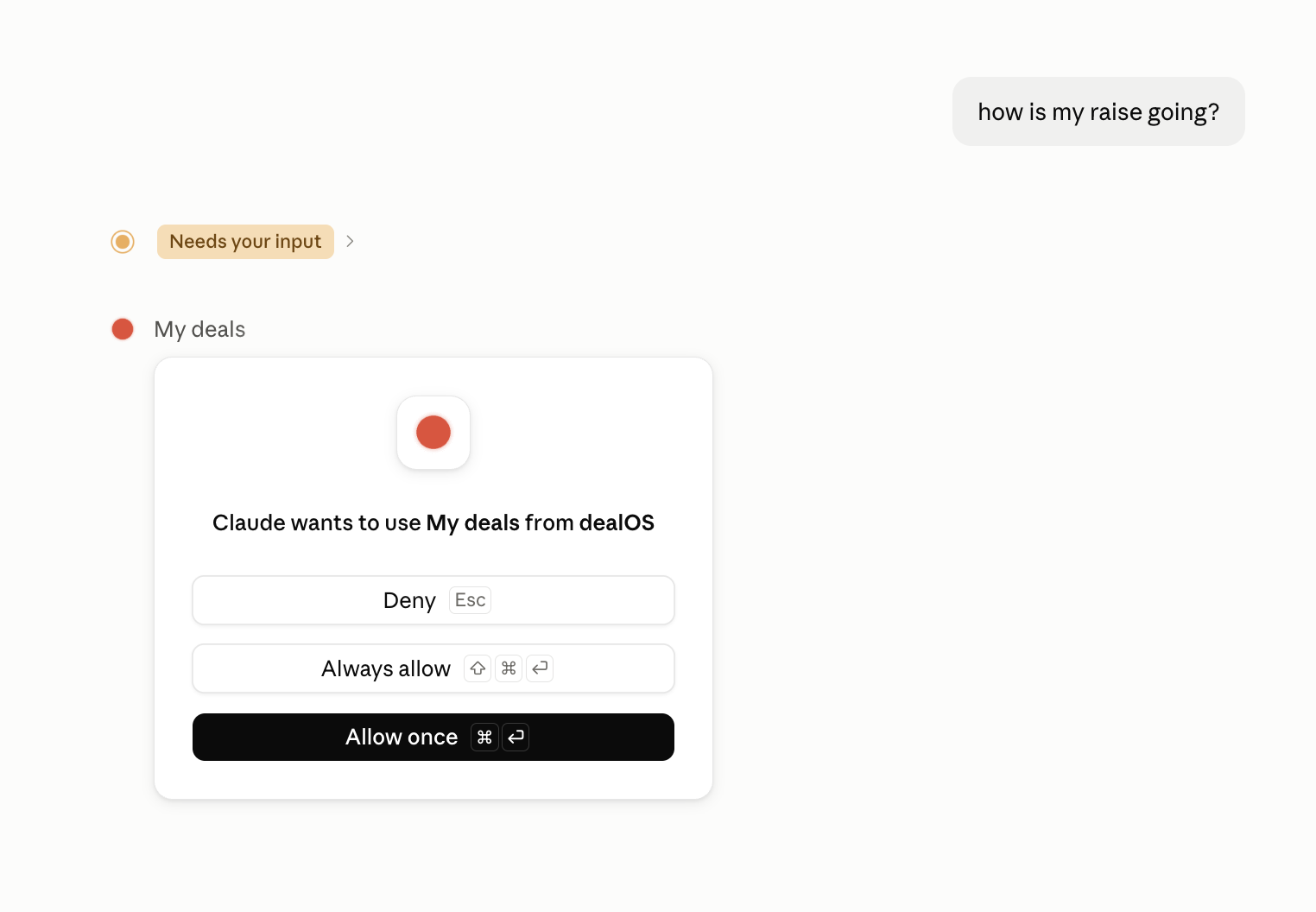
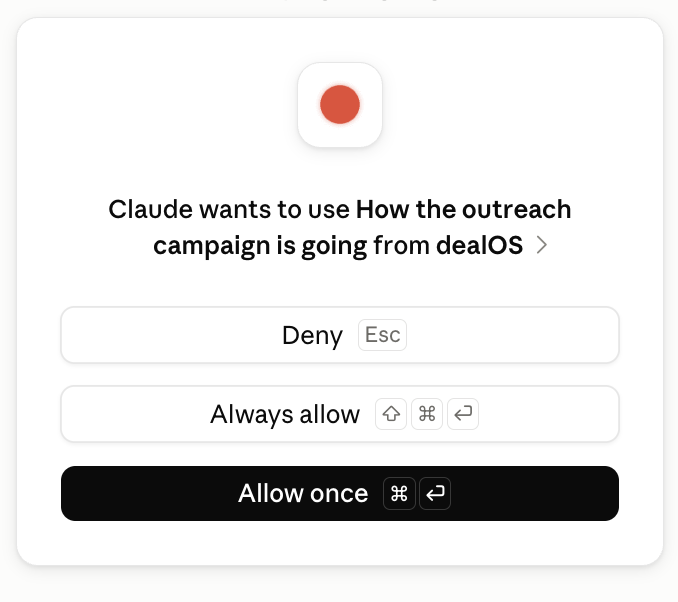
The first time Claude uses each dealOS tool it asks you. Press Always allow so it stops asking.
Claude answers from your dealOS data.
If it did not work: you need a dealOS account with an active subscription, and sending emails needs your email inbox connected in dealOS.
- Copy the server address:
https://dealos.info/mcp - In Perplexity, open Settings → Connectors → Add connector → Custom remote connector, name it dealOS and paste the address.
- Choose Streamable HTTP for the transport and OAuth for authentication. There is nothing else to fill in: dealOS registers itself with Perplexity.
- Click Connect. Perplexity sends you to dealOS to sign in and approve access, the same as Claude does. No token to copy.
Custom connectors need a Perplexity Pro, Max or Enterprise plan — on the free plan the option is not in the menu at all. On Enterprise an admin may have to allow custom connectors first.
- Create a token here. Name it after the machine or app you are connecting so you can tell them apart later.
- Run the command it gives you in your terminal. Claude Code adds dealOS as a server straight away.
- Ask: "where is my raise up to?" or "find me UK fintech seed investors".
Teach Claude how dealOS works Optional
You don't need this. dealOS works in Claude as soon as it is connected, with everything above. The skill is an optional extra: it gives Claude a head start on which dealOS tool to use for each question, reminds it to ask you before it sends or removes anything, and explains how dealOS reads investor activity. Skip it if you're not sure; you can add it any time.
- Download the dealOS skill (.md)
- Claude app or claude.ai: open Settings → Capabilities → Skills, choose Upload skill and pick the file.
- Claude Code: save it as
~/.claude/skills/dealos/SKILL.md.
Limits, and where your data goes
Firm-level only, and paged. Investor records leave dealOS without contact names, emails or phone numbers, so your AI can page through a whole result set. Each connection is rate limited, and every call is recorded. The full list, with contacts, is always in dealOS.
Your AI provider sees the answers. What you ask, and what dealOS returns for it, passes through the AI you connect: Anthropic for Claude, or whichever client you choose. dealOS sends only what that question needs, and only from your own account. Check your provider's data terms before connecting one you would not trust with your investor list.
Every answer is about your own raise. A connection never sees another founder's deals or lists, your password, your email inbox, or anything you have not put into dealOS. It can send your teaser or your follow-ups, or take an investor off your deal, only after you say yes in the chat, and it tells you how many investors will be contacted before anything goes. It never signs anything for you, and it changes or deletes nothing without your yes.
Disconnect any time. Remove dealOS from the AI's own connector settings — in Claude or Perplexity — and it loses access immediately.